

Save reusable sections
Saving sections can be beneficial for future designs – it can reduce workload while designing a brand-new newsletter; furthermore, well-developed sections will save time and help you later.
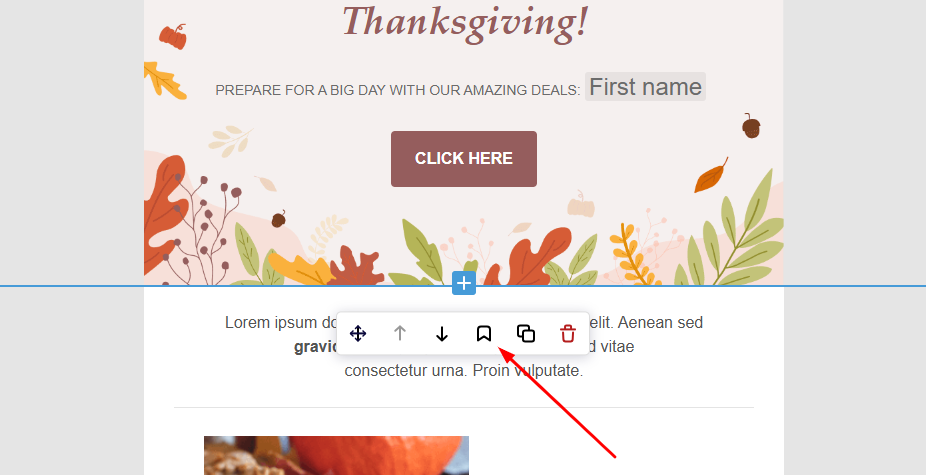
While in the drag & drop editor, click on the desired section and then on the “Save” icon.
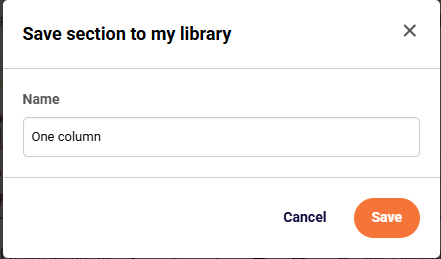
You will then be asked to name the section.
Once the “Save” icon is clicked, the section will be saved in the “Section” tab on the screen’s left side. You can access saved sections at any time, even while in different campaigns.
Quick visualization below
That’s it!
If you got stuck on a specific task or can’t find a way to execute a particular job, contact our support team via LiveChat or support@sender.net – we’re here to help 24/7.